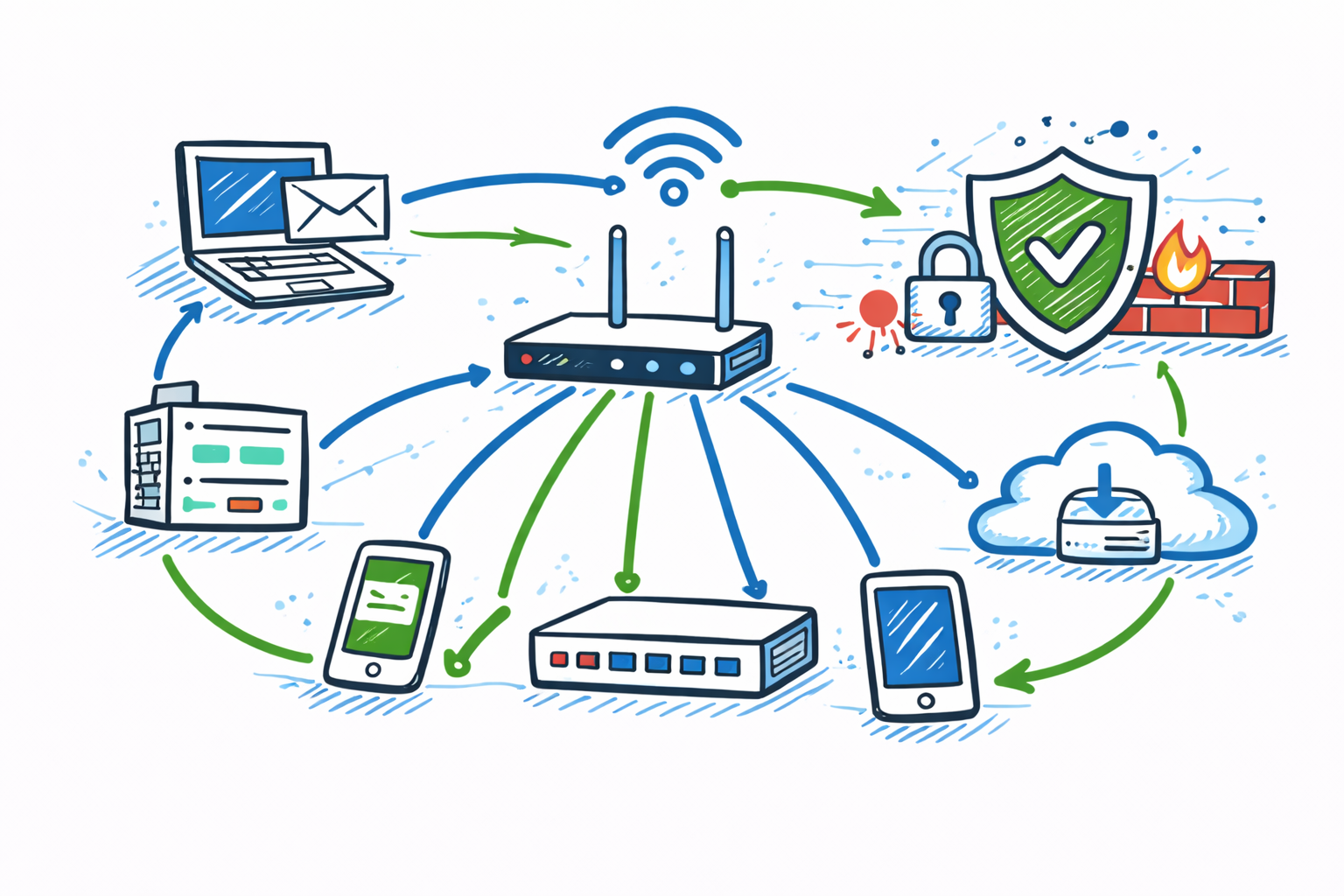
In today’s world, almost everything we do depends on computer networks — from sending messages and watching videos to managing business operations across the globe. Networks connect people, systems, and devices, allowing data to travel quickly and securely. But as networks grow, so do the risks. That’s where network security becomes important.
Effective network management is crucial for any organization to ensure a seamless user experience.
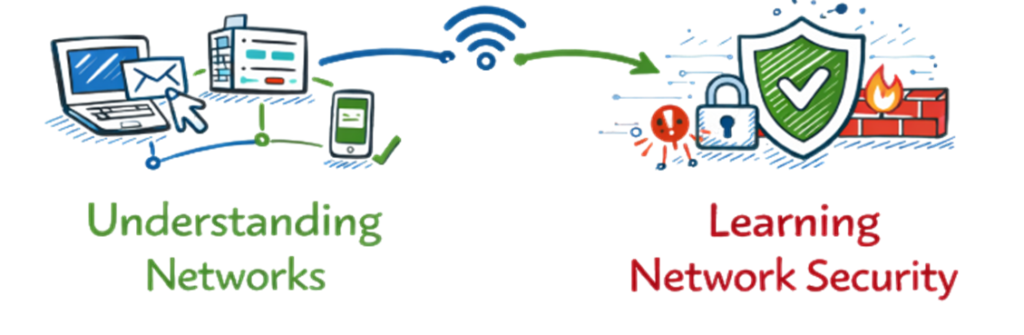
Understanding the structure of a network can help in troubleshooting issues effectively.
This blog will help you understand what networks are, how they work, and why network security is essential. We’ll explore concepts in simple terms so even beginners can follow along.
1. Understanding Computer Networks Before Learning Network Security
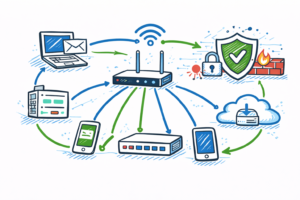
A network is a group of connected devices that share information and resources. These devices can be computers, servers, mobile phones, routers, printers, or even smart home gadgets.
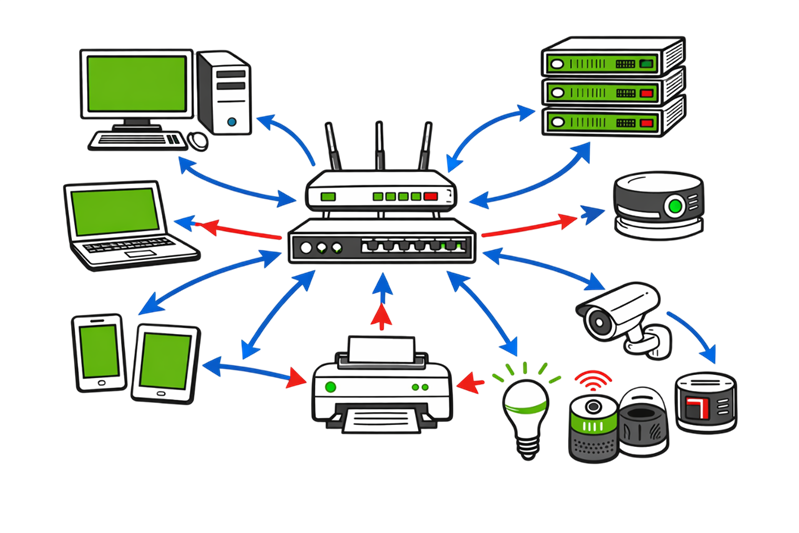
As your network expands, consider implementing network monitoring tools to enhance security.
Network performance can greatly influence productivity across all departments.
Example:
Imagine you have two computers connected through a cable, and both can exchange files — that’s a small network. When you add more devices, such as a router and internet connection, you get a larger network like the one in your home or office.
Networks make communication easier by allowing:
Understanding Network Connectivity
- File and data sharing.
- Access to shared devices like printers.
- Internet connection sharing.
- Collaboration through email and video calls.
2. Types of Networks in Network Security (LAN, WAN, MAN, PAN).
Networks come in different sizes and purposes. The most common types are:
LAN (Local Area Network):
Covers a small area such as a home, school, or office. All connected devices can communicate easily.
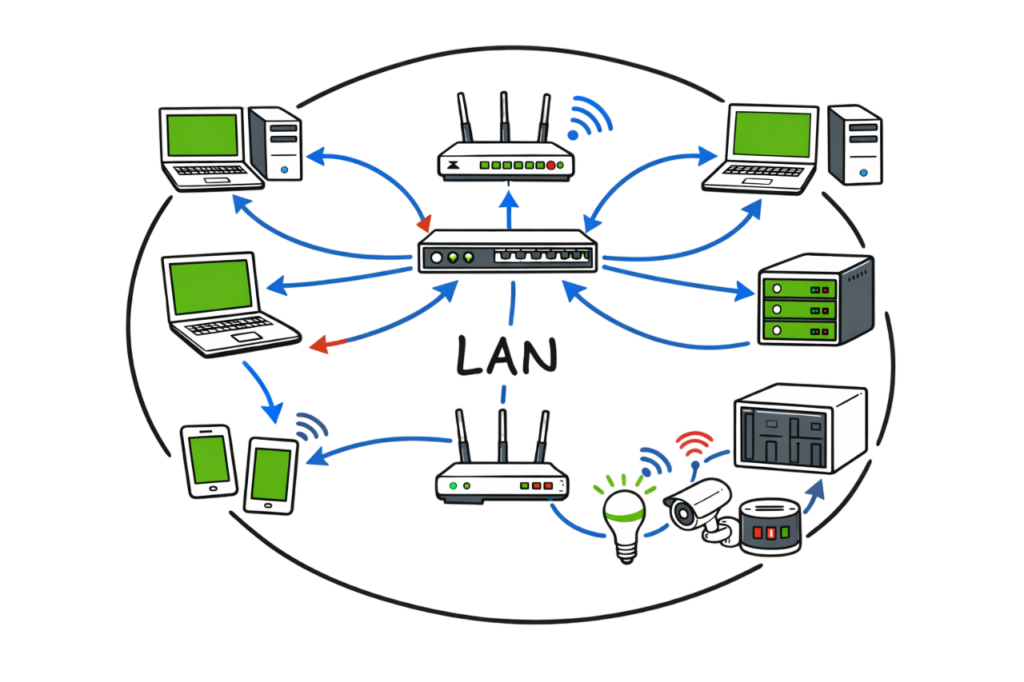
Example: Your home Wi-Fi network.
WAN (Wide Area Network):
Spans large geographical areas and connects multiple LANs. The Internet is the biggest WAN in the world.
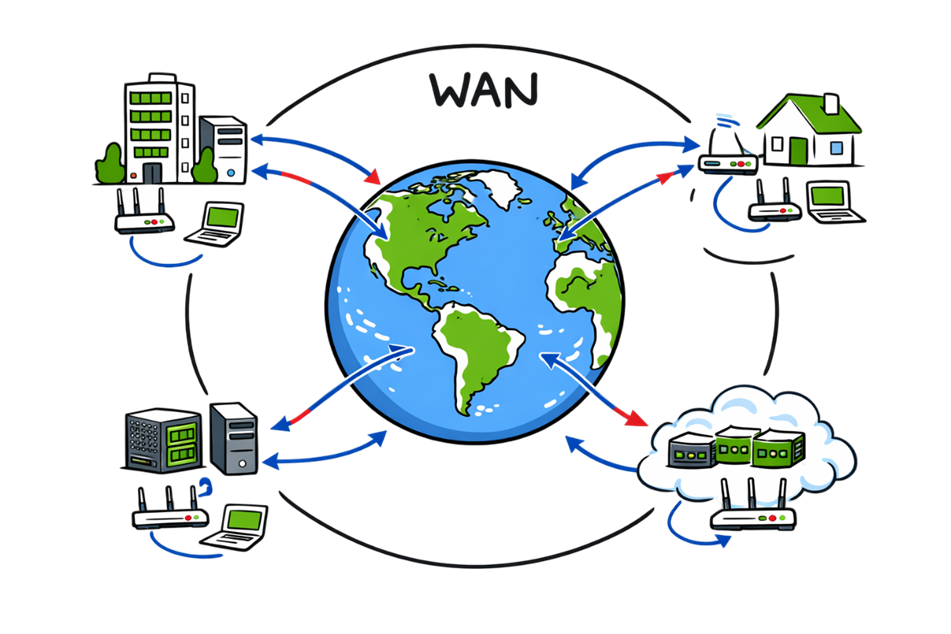
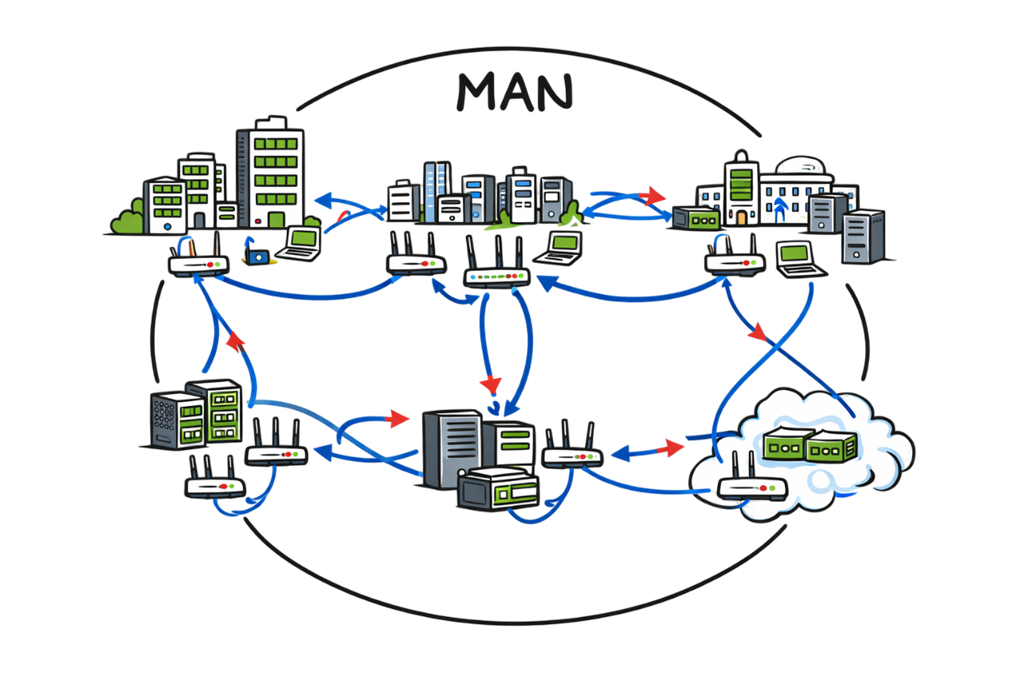
MAN (Metropolitan Area Network):
Larger than LAN but smaller than WAN, often used to connect offices across a city.
Investing in reliable network infrastructure is essential for business continuity.
PAN (Personal Area Network):
A very small network around one person — like connecting your smartphone to your laptop via Bluetooth.
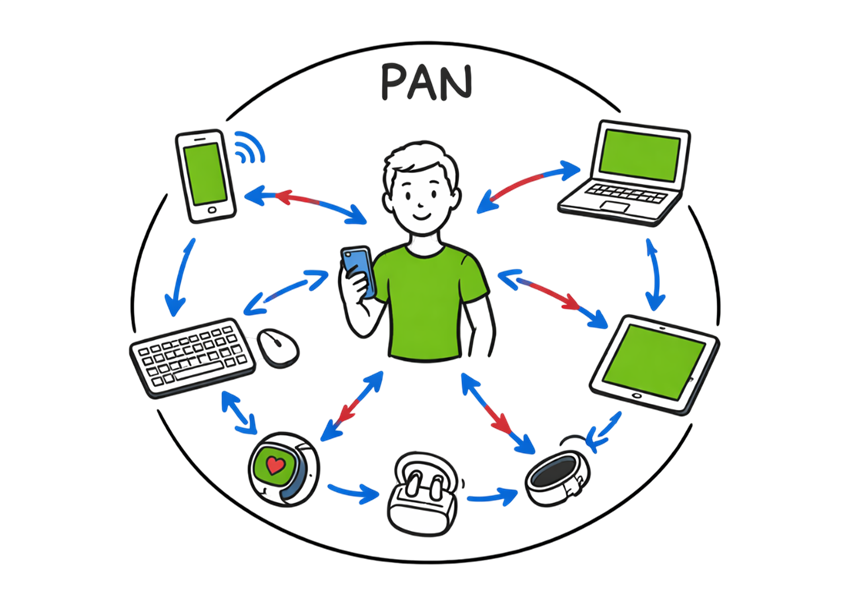
Illustration Example:
If you connect your laptop and phone to your Wi-Fi at home, that’s a LAN. When your laptop accesses a website hosted in another country using the Internet, that’s WAN communication.
3. How Networks Work
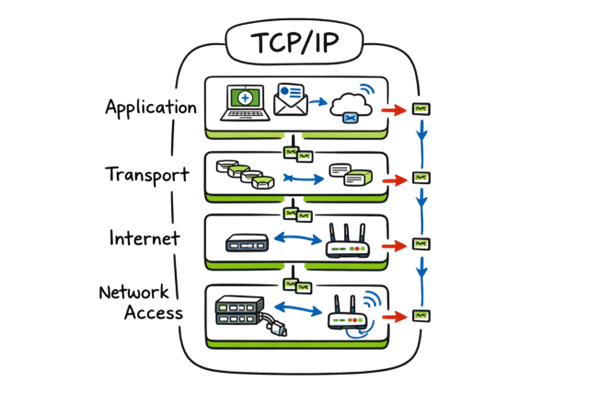
Every device in a network follows rules to communicate, known as protocols. The most common set of protocols is TCP/IP (Transmission Control Protocol/Internet Protocol).
Here’s a simple view of how data travels:
- You type a web address in your browser.
- Your computer sends a request to a server using TCP/IP.
- The server finds the web page and sends data packets back.
- Your browser combines those packets and displays the page.
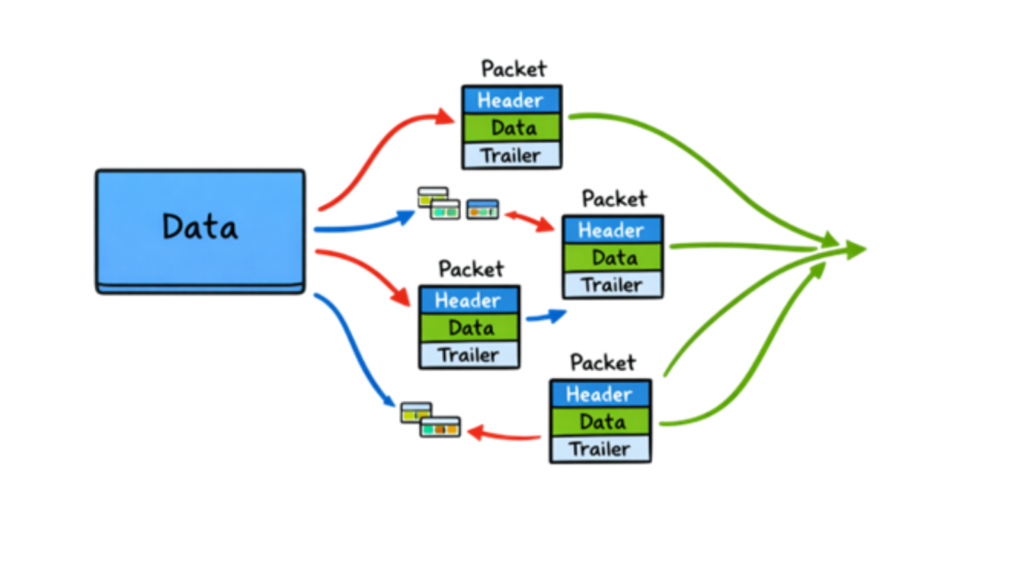
Data Packet:
Network data is broken into small pieces called packets. Each packet has a destination address and travels independently across the network.
4. Network Devices Used in Network Security
Several devices help form and manage a network. Here’s what they do:
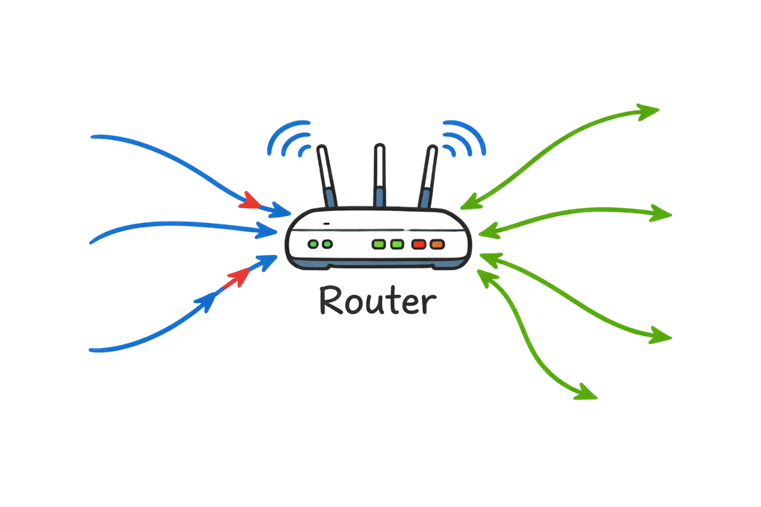
Router: Connects different networks (for example, your home network to the Internet). It directs traffic like a post office sorting mail.
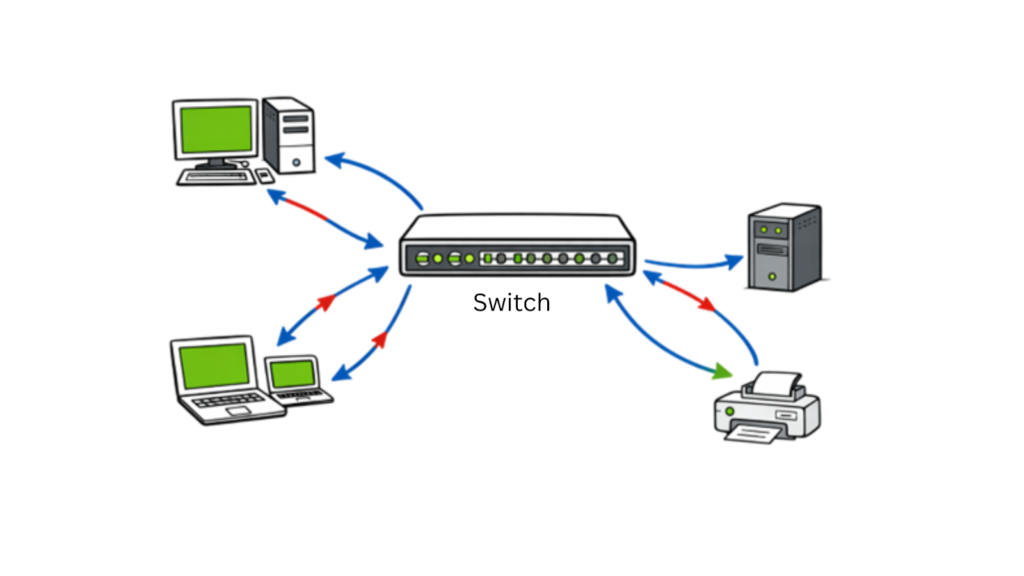
Switch: Connects multiple devices inside a local network and forwards data to the correct destination.
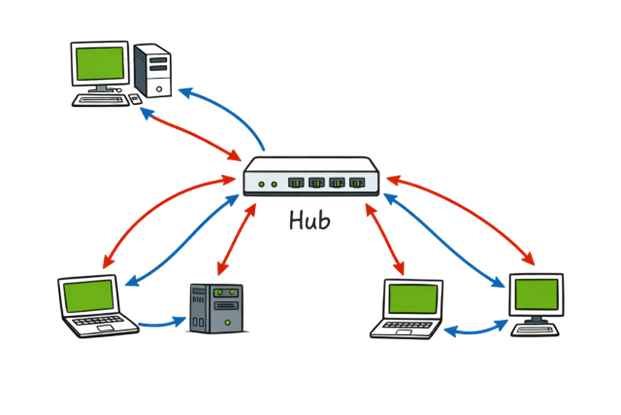
Hub: A simple device that sends data to all connected devices, not just the intended one (less secure than a switch).
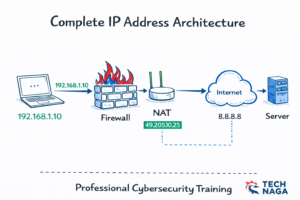
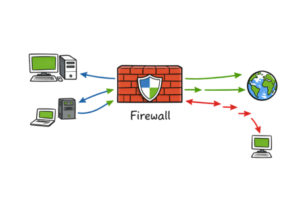
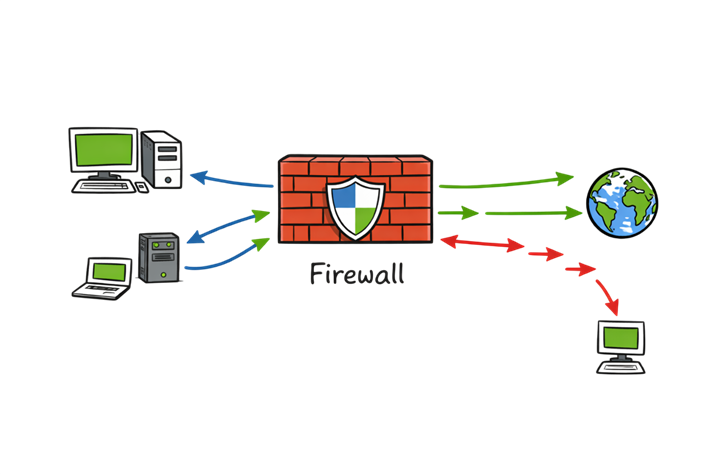
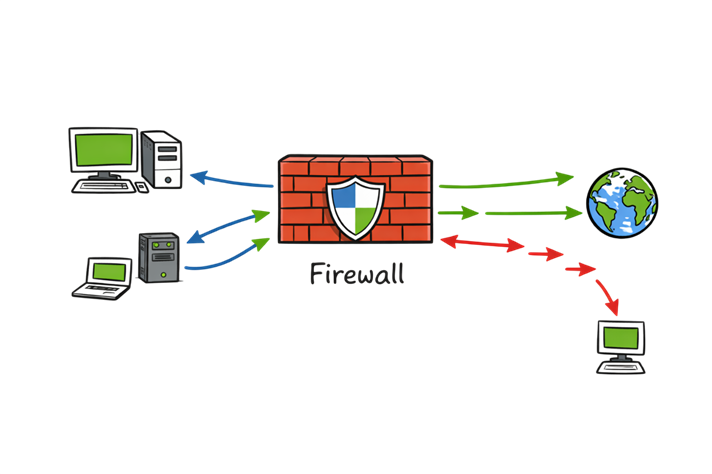
Firewall: Acts as a security gate that controls which data can enter or leave your network. more info
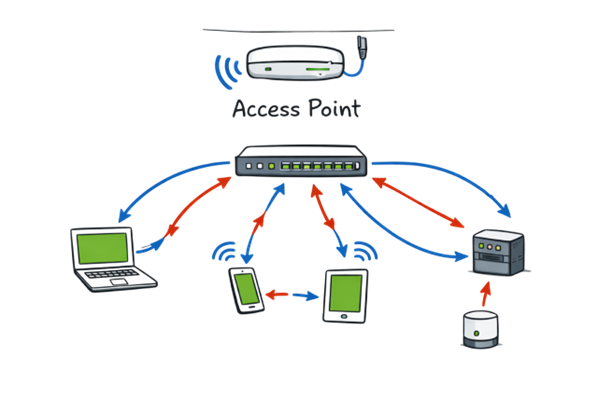
Access Point: Allows wireless devices to connect to a wired network.
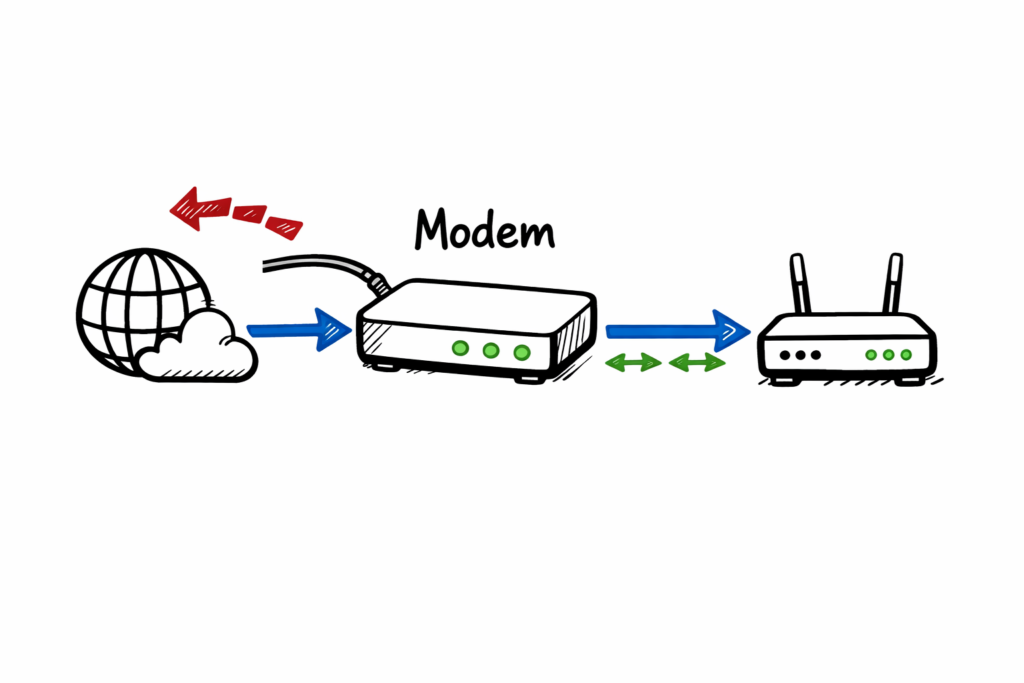
Modem: Converts signals between your Internet Service Provider (ISP) and your router.
5. Why Network Security Matters
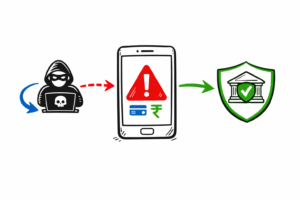
Just like locking your house keeps out intruders, network security protects digital information from unauthorized access or damage. Without proper security, hackers can steal sensitive data, control devices, or disrupt services.

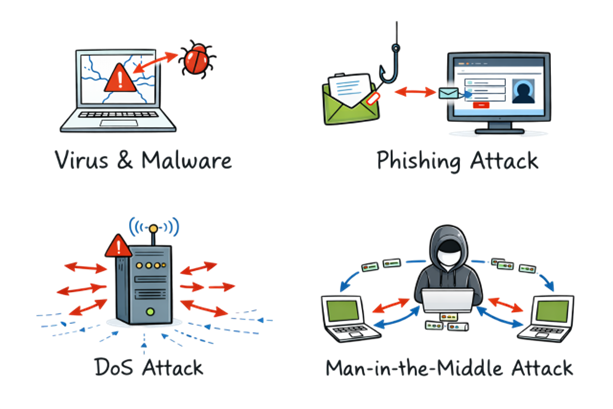
Common Threats in Network Security:
Viruses and malware: Harmful software that can infect systems.
Phishing attacks: Fake emails or websites that trick users into giving credentials.
Denial of Service (DoS) attacks: Flooding a network with traffic to make it unavailable.
Man-in-the-Middle attacks: Intercepting communications between two systems.
6. Key Principles of Network Security
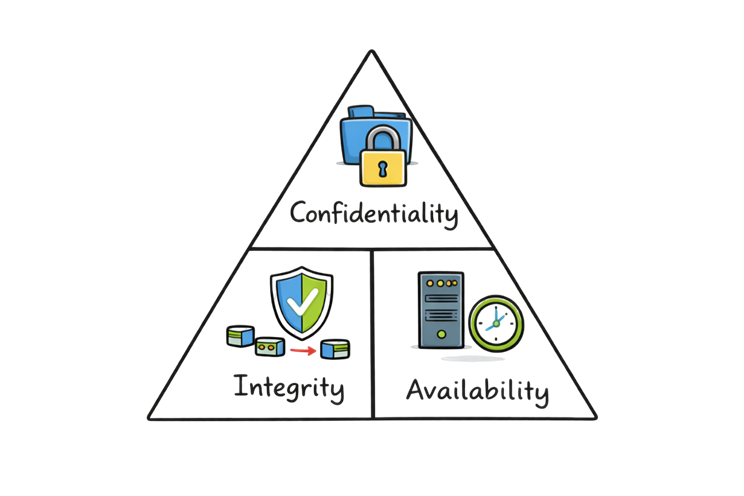
Network security is built on three fundamental principles, often called the CIA Triad:
Confidentiality – Only authorized users should access data.
Example: Passwords, encryption.
Integrity – Data should remain accurate and unchanged during transmission.
Example: Checksums, hashing.
Availability – Network services must be accessible when needed.
Example: Redundant systems, load balancing.
7. Types of Network Security Measures
To keep networks safe, organizations use different tools and methods:
Firewalls:
Monitor and filter incoming and outgoing network traffic based on set rules. They act as the first line of defense.
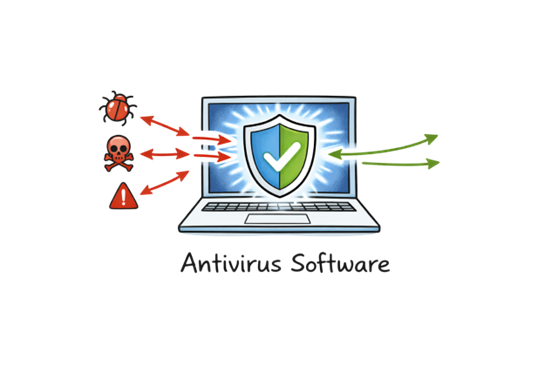
Antivirus Software:
Detects and removes malicious programs from devices.
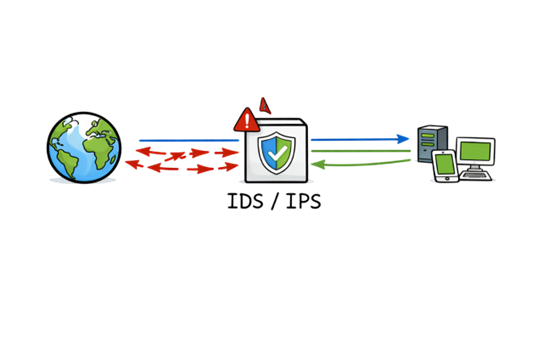
Intrusion Detection and Prevention Systems (IDS/IPS):
IDS monitors for unusual activity; IPS actively blocks threats in real time.
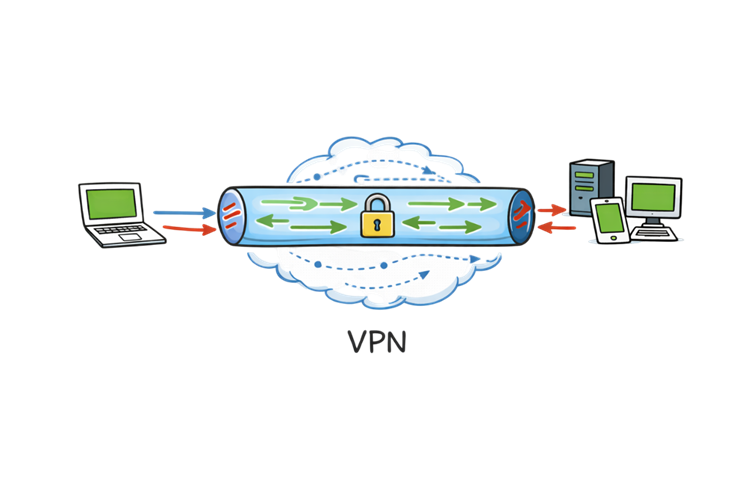
Virtual Private Network (VPN):
Encrypts data traveling over the Internet, allowing secure communication between remote users and corporate networks.
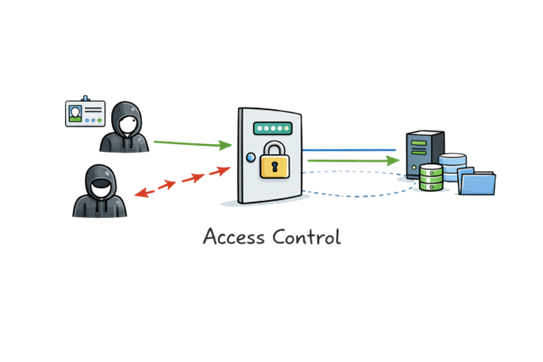
Access Control:
Limits who can use certain resources using accounts, passwords, and permission levels.
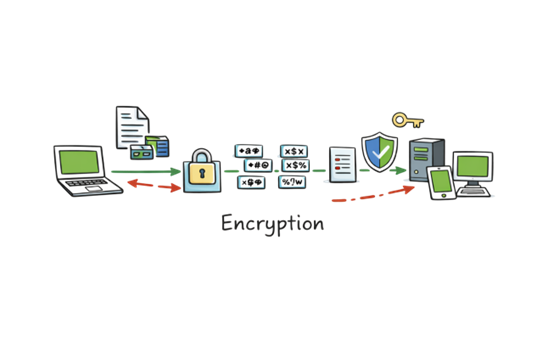
Encryption:
Converts readable data into unreadable code that can only be decoded with a secret key.
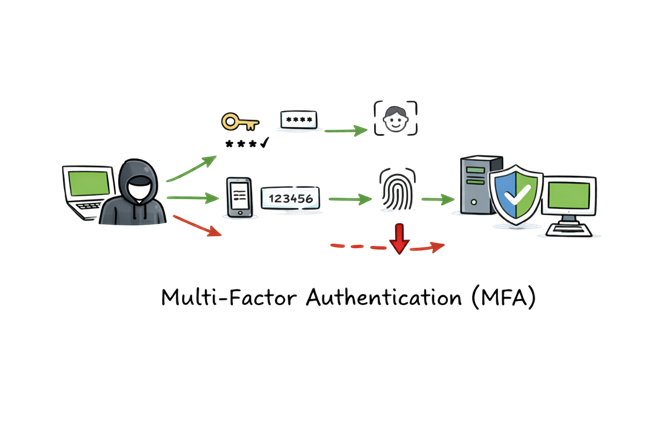
Multi-Factor Authentication (MFA):
Adds extra verification layers such as OTP or biometrics before granting access.
8. Network Security Best Practices
Whether you manage a small home network or work for a company, following best practices strengthens your defenses.
- Use strong, unique passwords.
- Update software and firmware regularly to patch vulnerabilities.
- Limit access privileges to only what users need.
- Use network segmentation to separate sensitive areas of the network.
- Educate users on phishing and safe browsing.
- Monitor network traffic for suspicious activity.
- Backup data regularly to recover from ransomware or failures.
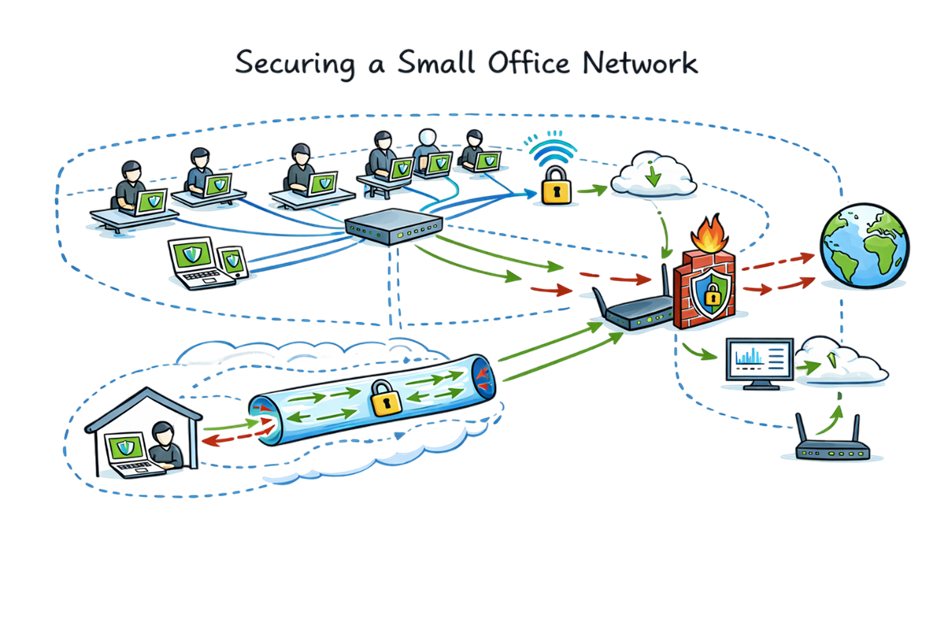
9. Real-Life Example: Securing a Small Office Network
Let’s say you run a small business with 10 employees. Everyone uses laptops, and your company data is stored on a local server.
Here’s how you could structure secure networking:
- Connect all devices through a managed switch.
- Use a router with built-in firewall for Internet access.
- Enable Wi-Fi with WPA3 encryption and change the default password.
- Install endpoint antivirus on all laptops.
- Set up VPN access for employees working from home.
- Regularly review firewall rules and network logs.
- Schedule automatic backups to cloud storage.
- This simple setup provides strong protection against most common attacks.
10. The Future of Network Security
As technology evolves, network security also changes. Modern trends include:
Zero Trust Architecture: “Never trust, always verify” — every user and device must be authenticated each time.
Cloud Security Services: Tools like Zscaler, Microsoft Defender, and Cisco Umbrella provide scalable cloud-based security.
AI and Machine Learning: Used for detecting unknown threats faster.
Secure Access Service Edge (SASE): Combines networking and security functions into a single cloud-delivered service.
Quantum encryption (in future): Will make data interception nearly impossible.
11. Summary
Networks are the backbone of the modern digital world — enabling communication, business, and entertainment. But without network security, this connectivity becomes a risk. Protecting networks means balancing accessibility and safety through tools like firewalls, VPNs, encryption, and constant monitoring.
Whether you’re a student, a home user, or a cybersecurity professional, understanding network fundamentals and security basics is the first step toward building a safer digital environment.
References: wikipedia